Outline
- What should you pick first: the tool, the use case, or the metric?
- Which frontline workflows usually deliver quick wins in Singapore SMEs?
- How do you map the current workflow so AI fits into the day, not beside it?
- What data should you use first if you want results without custom builds?
- How do you design a human-in-the-loop workflow that doesn’t slow everyone down?
- What does a 30–60–90 day implementation roadmap look like for a single AI workflow?
- How can you make customer experience improvement the ‘payoff’ without turning this into a branding exercise?
- What does AI look like in non-office settings—like aquaculture operations—without overengineering it?
- How do you avoid ‘vanity dashboards’ and prove the pilot created operational efficiency in Singapore?
- What governance and controls should you put in place before you scale beyond one team?
- Conclusion
- Want help turning a pilot into a repeatable workflow?
- FAQs
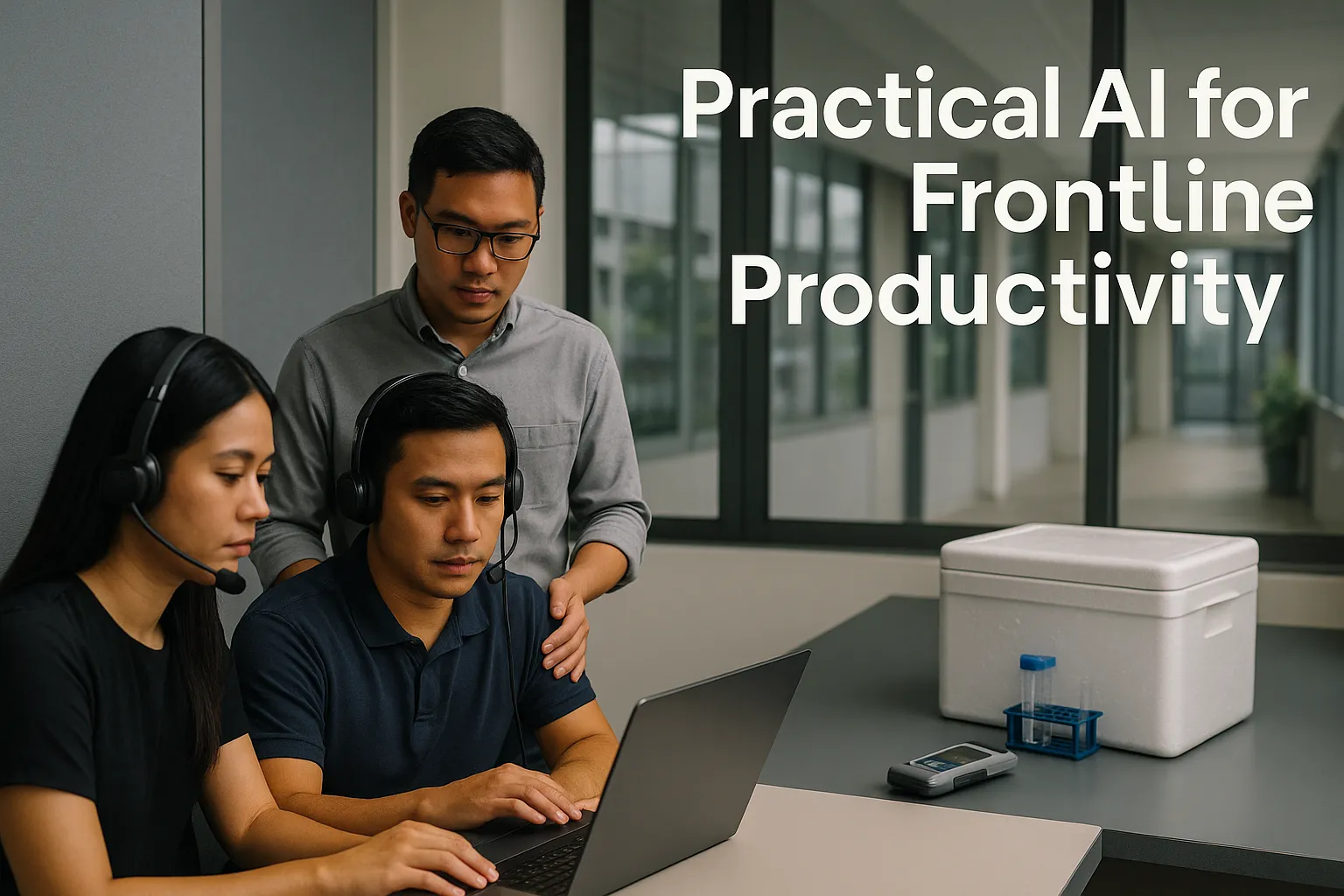
For many teams, “Singapore SME AI adoption” stalls after a promising demo: a chatbot trial here, a transcript tool there—then nothing changes on the ground. The real constraint is rarely the model. It’s the workflow: who uses it, where it fits in the day, what data it needs, and how you prove it saved time or reduced errors. Going into 2027 planning, resource-conscious SMEs in Singapore can get real gains by treating AI as a frontline process upgrade, not a tech shopping exercise. This guide lays out an implementation roadmap to move from one contained experiment to a repeatable operating improvement—using existing data (tickets, calls, spreadsheets, WhatsApp/email, sensor logs), accessible tools, and one clear metric tied to productivity or customer experience.
What should you pick first: the tool, the use case, or the metric?
Start with one frontline process and one measurable outcome—then work backwards to the tool.
Most AI pilots fail because leadership starts with a tool (“let’s try an AI assistant”) rather than a bottleneck (“our callbacks and rework are killing throughput”). The boring-but-effective order is:
- Pick one process (high-volume, repetitive, error-prone)
- Pick one metric (minutes, rework, leakage, turnaround time)
- Use the data you already have
- Fit an AI step into the existing workflow
A simple “frontline-first” selection test
Choose a process that passes at least 4 of these 6 tests:
- Frequency: happens daily/weekly (e.g., tickets, calls, QA checks, stock checks, farm logs).
- Standard inputs: the same types of information appear each time (forms, messages, invoices, logs).
- Clear definition of ‘done’: you can describe a good outcome in one paragraph.
- Pain is visible: staff can name where time is lost (copying, searching, rewriting, re-keying).
- Quality matters: mistakes create rework, customer complaints, or revenue leakage.
- Data exists already: transcripts, emails, WhatsApp chats, CRM notes, spreadsheets, sensor readings.
Pick one metric—not five
Avoid “balanced scorecards” at pilot stage. Choose one primary metric and one “safety” metric:
- Primary metric examples:
- Minutes saved per case (or per shift)
- First-contact resolution (FCR)
- Rework rate (cases reopened, QA fails)
- Spoilage / mortality reduction (for production/agri/aquaculture)
- Revenue leakage prevented (missed charges, lost renewals)
- Safety metric (to ensure you didn’t break quality):
- Complaint rate, refunds, QA score, or escalation rate
This keeps the pilot honest: productivity improves, and quality doesn’t quietly deteriorate.
Which frontline workflows usually deliver quick wins in Singapore SMEs?
Quick wins are typically text-heavy, decision-light workflows—where staff spend time reading, sorting, rewriting, or searching.
Below are practical “starter workflows” that map well to accessible AI and automation tools.
Customer support and operations (calls, tickets, WhatsApp/email)
- Intent tagging + routing: classify incoming contacts by issue type and urgency.
- Suggested replies: draft responses from your own knowledge base and past replies.
- Case summarisation: turn a long thread into a structured summary for handover.
- QA assist: flag missing steps (verification done? promised timeline stated?).
Metric fit: minutes saved per case, FCR, re-open rate, average handling time, escalations.
Finance and admin operations (AP/AR, claims, reconciliations)
- Invoice/receipt extraction into spreadsheets (with review).
- Exception spotting: missing PO numbers, duplicate invoices, odd unit prices.
- Email triage: identify “needs action” vs “FYI” and draft replies.
Metric fit: rework rate, days to close, number of exceptions caught, time per reconciliation.
Retail/warehouse (stock checks, replenishment, shrinkage)
- Stock check logging via mobile forms + AI-generated variance summaries.
- Exception alerts: “Top 20 SKU variances” or “repeat stockout items”.
Metric fit: stockout rate, shrinkage investigation time, replenishment cycle time.
Production / services (QA, checklists, job notes)
- Job note standardisation: convert messy notes into structured job records.
- Checklist enforcement: detect missing fields and prompt completion.
Metric fit: QA fail rate, rework hours, turnaround time.
Aquaculture/agri-style operations (farm logs, sensor readings)
- Log summarisation: daily farm notes condensed into exceptions and trends.
- Exception alerts: oxygen/pH/temp anomalies + “what changed since yesterday?”
Metric fit: mortality reduction, feed waste reduction, time-to-respond to anomalies.
The common theme: you are not “adding AI”. You are removing avoidable admin work and tightening handoffs, so the team spends more time on higher-value judgement and customer experience.
How do you map the current workflow so AI fits into the day, not beside it?
A workable AI pilot begins with a workflow map the frontline recognises—not a slide deck.
Use a 60–90 minute mapping session with 2–3 frontline staff and one manager. Your output should fit on one page.
Map the “current state” in 7 boxes
For a single process (e.g., handling a support ticket), capture:
- Trigger: what starts the work? (new email, call, WhatsApp message)
- Inputs: what information is needed? (account ID, contract, last order)
- Steps: 5–10 bullet steps staff actually do
- Decision points: where judgement happens (refund? replacement? escalation?)
- Systems touched: helpdesk, CRM, spreadsheet, shared drive
- Handoffs: who it moves to next (team lead, warehouse, finance)
- Failure modes: where it commonly breaks (missing info, wrong template, inconsistent answers)
Define “good outcome” and boundaries
Write two short statements:
- Good outcome: “Customer receives an accurate answer and next step within X hours, with the correct template and notes logged.”
- Out of scope: “We will not automate approvals/refunds in phase 1. A human approves.”
This prevents scope creep and keeps the pilot safe.
Identify where AI belongs (usually 1–2 steps)
In early pilots, AI typically fits into one of these slots:
- Before work starts: triage, tagging, routing, extracting key fields.
- During work: drafting a reply, summarising history, suggesting next steps.
- After work: converting notes into structured records, QA checks, handover summaries.
If your AI step requires staff to open a separate app and “do an AI thing”, adoption will be fragile. Design it so AI output appears where staff already work (helpdesk, email, CRM notes, shared sheet)—even if that means a simpler capability at first.
What data should you use first if you want results without custom builds?
Use the data you already trust and already generate—then improve it as you go.
A common SME trap is waiting for “perfect data” or attempting a major data lake project before the first pilot. For frontline productivity, you usually need far less.
Start with three data sources you already have
Prioritise sources that are:
- High volume (lots of examples)
- Business-relevant (reflect your real operations)
- Low friction (easy to export or access)
Examples in Singapore SMEs:
- CRM/helpdesk: case notes, categories, outcomes, timestamps.
- Call recordings/transcripts: even partial transcripts can work for tagging and summarisation.
- Email + WhatsApp exports: common questions, templates, customer wording.
- Spreadsheets: stock logs, job sheets, simple reconciliations.
- Sensor/IoT logs: for aquaculture monitoring or environmental checks.
Data readiness checklist (practical, not perfectionist)
Before you build anything, confirm:
- You can access/export it without disrupting operations.
- Fields are consistent enough (e.g., dates, customer IDs, ticket numbers).
- You know what ‘correct’ looks like (a few gold-standard examples).
- There is a place to store pilot outputs (even a controlled folder or table).
Guardrails (keep it pragmatic)
You don’t need a compliance-first narrative, but you do need basic controls:
- Minimise personal data in prompts/inputs where possible.
- Define who can see what (role-based access in the tools you use).
- Keep an audit trail of key outputs used for decisions (especially customer-facing responses).
- If in doubt, align to PDPA principles as a practical baseline (purpose limitation, access control, retention discipline).
If your pilot touches customer communications or employee records, treat privacy and confidentiality as a design constraint from day one—without letting it stall the workflow work.
How do you design a human-in-the-loop workflow that doesn’t slow everyone down?
Human-in-the-loop should not mean “double work”. It should mean targeted review at the risk points.
A simple way to structure it is: AI drafts, humans decide—but with clear rules on when review is mandatory.
Pick one of three review models
1. Always-review (safe start): staff must approve before sending/closing.
- Use when: customer-facing responses, refunds, sensitive issues.
2. Exception-review: staff only review if the AI flags uncertainty or if rules trigger.
- Use when: high-volume triage, tagging, internal summaries.
3. Spot-check: audit a sample weekly.
- Use when: mature process, low-risk outputs.
Most SMEs begin with always-review for 2–4 weeks, then graduate to exception-review once trust is earned.
Define “confidence rules” in business language
You don’t need model theory. You need operational rules such as:
- “If the message mentions refund/cancellation, route to a senior.”
- “If the AI cannot identify an account ID, mark as needs clarification.”
- “If sentiment appears angry + repeat contact in 7 days, escalate.”
Make outputs structured, not poetic
AI outputs should be constrained into templates that match your workflow:
- Ticket summary template: Issue / Customer context / What we checked / Next step / Deadline.
- Call QA checklist: Greeting done? Verification? Correct policy? Next steps stated?
- Farm log exception template: Parameter / Deviation / Likely cause / Action suggested / Owner.
When staff see consistent structure, adoption rises and review time drops.

What does a 30–60–90 day implementation roadmap look like for a single AI workflow?
A pilot that becomes real productivity typically follows a cadence: design → instrument → deploy → stabilise.
Days 0–30: Choose, map, and instrument
Owner: one accountable process owner (not “IT”).
Deliverables:
- One-page workflow map (current state)
- One metric + baseline measurement approach
- Data sources confirmed and accessible
- Draft “good outcome” definition and review rules
Actions:
- Run a time study on 20–50 cases (lightweight): how many minutes per case today?
- Collect 10–20 gold-standard examples (good replies, correct summaries, good logs)
- Decide where outputs will live (helpdesk fields, CRM notes, spreadsheet columns)
Common pitfall to avoid: spending the first month evaluating tools instead of measuring the baseline.
Days 31–60: Build the minimum viable workflow (in small sprints)
Owner: process owner + 1–2 frontline champions.
Deliverables:
- Working pilot in the team’s daily system (or an acceptable bridge)
- Standard templates for AI outputs
- Training notes (1–2 pages) and a “what to do when it’s wrong” rule
Actions:
- Run 2-week sprints:
- Sprint 1: triage/tagging or summarisation only
- Sprint 2: add drafting replies or exception alerts
- Track the metric weekly (not a fancy dashboard—just consistent measurement)
Common pitfall to avoid: letting the pilot become a side project used by one enthusiast.
Days 61–90: Stabilise, tighten controls, and decide scale
Owner: process owner with management sign-off.
Deliverables:
- Updated SOP (1–2 pages) embedding the AI step
- Review model adjusted (always-review → exception-review, if appropriate)
- Decision memo: scale / pause / redesign
Actions:
- Measure outcomes versus baseline:
- Minutes saved per case
- Rework rate / reopen rate
- Turnaround time and consistency
- Identify what made it work:
- which templates
- which routing rules
- which data fields were essential
- Decide the next workflow to tackle (not “more AI features”)
If you cannot show a measurable improvement in one metric by day 90, treat it as a workflow design problem—before blaming the tool.
How can you make customer experience improvement the ‘payoff’ without turning this into a branding exercise?
Customer experience improves when frontline teams become faster and more consistent—especially in high-volume channels like email, WhatsApp, and calls.
Treat customer experience as operational output:
- Turnaround time: faster first response, faster resolution.
- Consistency: fewer contradictory answers across staff.
- Clarity: better structured next steps, fewer back-and-forth messages.
Practical workflow: call-centre sentiment/intent tagging for routing and QA
A common Singapore SME scenario: a small support team handles calls plus WhatsApp/email. The pain isn’t only volume—it’s misrouting and inconsistent replies.
Implementation pattern:
- Input: call transcripts (or notes), ticket text.
- AI step 1 (triage): tag intent (billing/technical/delivery) and urgency.
- AI step 2 (QA assist): flag missing verification steps or unclear next steps.
- Human step: agent approves routing and final response.
Metrics:
- Minutes saved in triage per case
- Higher first-contact resolution (or fewer transfers)
- Fewer reopened tickets due to missing steps
What makes it “quietly effective” is not the tagging accuracy in isolation—it’s the workflow change:
- agents don’t manually read long histories
- supervisors review exceptions, not every case
- customers get a clearer path faster
This is customer experience improvement as a by-product of operational discipline, not a branding slogan.
What does AI look like in non-office settings—like aquaculture operations—without overengineering it?
In operations like aquaculture, the productivity bottleneck is often interpretation and response, not data collection. Teams already have logs; the pain is turning them into actionable actions during busy shifts.
Practical workflow: aquaculture monitoring/log summarisation + exception alerts
Scenario: farm technicians log daily observations (feeding behaviour, water quality readings, mortality counts) in notes or spreadsheets, sometimes alongside sensor feeds.
Implementation pattern:
- Input: daily logs (text), spreadsheets, sensor exports.
- AI step 1: summarise the day into: key readings, changes since last period, anomalies.
- AI step 2: generate exception alerts based on thresholds you define (business rules).
- Human step: supervisor confirms actions, assigns owner, records outcome.
Keep it grounded:
- Use existing thresholds and SOPs as the rules. Don’t ask AI to invent husbandry practices.
- Require human confirmation before any operational change.
Metrics that matter:
- Time-to-identify anomalies (hours → minutes)
- Reduction in avoidable mortality/spoilage events (tracked carefully over time)
- Less time writing end-of-day reports
Where SMEs go wrong here:
- building a complex dashboard before they’ve stabilised logging discipline
- chasing predictive models instead of improving response speed and record quality
The “win” is a tighter loop: capture → summarise → alert → act → record outcome. That loop is measurable and improves with repetition.
How do you avoid ‘vanity dashboards’ and prove the pilot created operational efficiency in Singapore?
If the pilot cannot withstand a basic management question—“what changed in throughput or quality?”—it’s not ready.
Use a simple measurement design
For one workflow, track:
- Baseline: measure the metric for 2–4 weeks (or sample 30–50 cases).
- Pilot period: measure the same way for 2–4 weeks.
- Compare: look for a sustained difference, not a one-week spike.
Practical measurement options:
- Minutes saved per case: short time logs for a sample (don’t overburden staff).
- Rework rate: reopen count, QA fails, missing fields.
- Turnaround time: first response time, time to close.
- Revenue leakage prevented: count of corrected invoices, recovered renewals, prevented credits.
Convert improvements into management language
SME owners often need to decide whether to scale. Frame outcomes as:
- Capacity unlocked: “We saved ~X minutes per case; at Y cases/week, that frees Z hours.”
- Quality protected: “Reopen rate fell; fewer escalations required.”
- Revenue protected: “Fewer missed charges; fewer disputes.”
Avoid pretending every minute saved becomes profit instantly. The operational truth is:
- sometimes it reduces overtime
- sometimes it allows the same team to handle growth
- sometimes it improves customer retention because response times stabilise
Any of those can be valuable—if you are explicit about which one you are targeting.
What governance and controls should you put in place before you scale beyond one team?
Scaling AI-enabled workflows fails when SMEs treat the pilot as a one-off hack. Before rolling it to multiple teams, lock down the operating basics.
Minimum governance for SME scale-up
You don’t need bureaucracy, but you do need clarity:
- Process owner: accountable for outcomes and changes.
- Tool owner: accountable for access, settings, and vendor management.
- Data owner: accountable for what data is used and retained.
- Change log: when prompts/templates/rules change, record it.
Control points that prevent silent quality drift
- Template control: one approved reply template set; changes require review.
- Knowledge base discipline: one source of truth; retire old versions.
- Exception monitoring: track what the AI flags and what humans override.
- Sampling audits: weekly spot-check of outputs tied to customer communications.
Security and privacy as design constraints (not a project stopper)
Practical steps most SMEs can implement without heavy overhead:
- restrict who can input/export customer data
- avoid pasting full NRIC/financial details unless necessary
- define retention for pilot logs
- ensure departing staff access is removed promptly
If you’re unsure how to structure these controls across teams, this is where a practical advisory partner such as Paul Hype Page & Co. can be useful—helping translate “we tried an AI tool” into a repeatable operating model with clear ownership, documentation, and audit-ready records (without turning it into a heavyweight compliance programme).
Conclusion
Singapore SMEs don’t need a grand AI roadmap to get real results—they need one well-chosen frontline workflow, one metric, and a disciplined 30–60–90 day rollout that staff actually use. Start where the pain is most visible (calls, tickets, QA checks, stock checks, farm logs), use the data you already generate, design a human-in-the-loop step at the risk points, and measure minutes saved, rework reduced, or revenue protected. Once the first workflow is stable—with templates, ownership, and basic guardrails—you can repeat the playbook on the next bottleneck. That’s how AI moves from an experiment to operational efficiency in Singapore: quietly, measurably, and without disrupting what’s already working.
FAQs
Use clear review models (always-review, exception-review, or spot-check) and constrain AI outputs into templates so staff review only at risk points rather than redoing the whole task.
Baseline one metric on a sample of cases, measure the same way during the pilot, and translate the change into capacity, quality, or revenue protection (for example minutes saved per case and fewer reopenings).
Use existing operational data you already generate and can export—helpdesk/CRM notes, call transcripts, emails/WhatsApp exports, spreadsheets, and sensor logs—then improve structure as the pilot stabilises.
Pick the process and one measurable metric first (for example minutes per case or rework rate), then choose the simplest tool that can slot into the workflow using data you already have.
Start with one high-volume, repetitive frontline workflow (tickets, calls, email/WhatsApp triage, invoice processing, stock checks, job notes, or farm logs) where inputs are fairly standard and “done” is easy to define.
Share This Story, Choose Your Platform!
Related Business Articles