大纲
- What exactly is the “pilot-to-production” gap in SMEs, and why does it persist in 2026–2027?
- Which workflows should you prioritise first in F&B and retail to relieve manpower and cost pressure?
- What should your “AI use-case brief” include so it survives contact with daily operations?
- How do you get data-ready without over-engineering—using the systems most Singapore SMEs already have?
- What does a practical 90-day implementation roadmap look like for an SME operator?
- How do you wire AI into inventory and purchasing without losing control of shrinkage and wastage?
- How can AI improve roster and manpower planning without breaking MOM-related realities or frontline trust?
- How do you operationalise AI in customer ops and marketing without creating brand and data risks?
- How do you run change management in a small team so adoption sticks beyond the first month?
- How should you measure productivity gains without making unverifiable ROI claims?
- 结论
- Need help turning pilots into daily routines?
- 常见问题
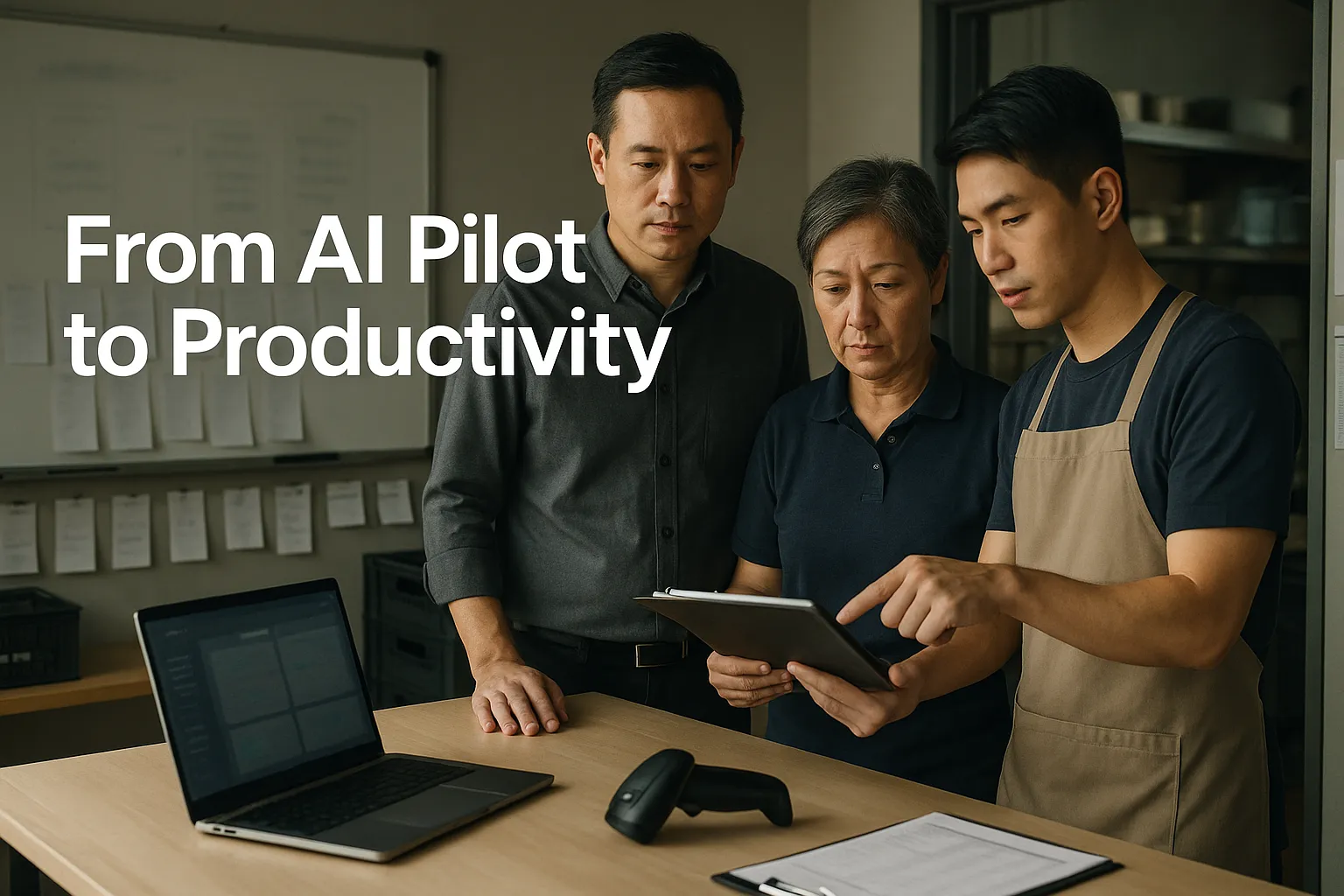
Singapore SME AI adoption has reached an awkward stage: many teams have tried a few tools, built a small demo, or drafted a “pilot” report—yet the day-to-day work in outlets, kitchens, and store floors looks largely the same. For F&B and retail operators under manpower and cost pressure, that gap is expensive: rosters are still built manually, inventory decisions still rely on gut feel, and marketing still depends on whoever has time. The issue is rarely “not enough AI”; it’s unclear use-cases, missing owners, weak data handoffs from POS and inventory, and no routine to keep adoption alive.
This guide provides a practical 90-day implementation roadmap to wire AI into core workflows (roster, inventory, marketing, customer ops), assign ownership, measure outcomes, and make improvements stick into 2027.
What exactly is the “pilot-to-production” gap in SMEs, and why does it persist in 2026–2027?
Most pilots fail for operational—not technical—reasons. In Singapore SMEs, you commonly see one of these patterns:
- A “tool trial” without a workflow change: staff use a chatbot occasionally, but nothing in SOPs changes.
- A “nice dashboard” with no decision owner: reports exist, but no one is accountable for acting on them.
- A “side project” owned by one champion: when that person is busy or leaves, adoption stops.
- A “demo dataset” problem: the pilot works on cleaned data, but live POS/inventory data is messy.
The commercial consequence
In F&B/retail, execution delays show up as:
- Margin leakage: over-ordering, stock expiry, shrinkage, inconsistent pricing/upsell.
- Manpower inefficiency: suboptimal rosters, avoidable overtime, manager time spent on admin.
- Revenue opportunity loss: slow response to customer reviews/DMs, inconsistent campaigns, weak retention.
The real reason it persists
Pilots are easy to start because they avoid hard decisions:
- Who changes the SOP?
- Who signs off on data definitions (e.g., “wastage”, “stockout”)?
- What gets integrated with POS/Inventory/Scheduling?
- What metrics will be reviewed weekly—and by whom?
Treat 2026–2027 as an operating discipline window: move AI from “experimentation” to owned routines with measurable outputs.
Which workflows should you prioritise first in F&B and retail to relieve manpower and cost pressure?
Start where (1) the pain is frequent, (2) data already exists, and (3) managers can act weekly. A simple prioritisation matrix helps.
A practical prioritisation matrix (score 1–5)
Evaluate each use-case on:
- Value (margin lift, time saved, shrinkage reduction)
- Data availability (POS, inventory, roster, CRM data already captured)
- Actionability (a manager can make a decision within 7 days)
- Integration effort (can start with export/import before full integration)
- Adoption fit (frontline impact is understandable and trainable)
High-probability “first wave” use-cases
1) Demand forecasting → purchasing/inventory
- Forecast next-week sales by SKU/category/outlet
- Produce a recommended purchase list
- Flag anomalies (unusual spikes/drops)
2) Roster optimisation and scheduling assistance
- Recommend staffing levels by daypart
- Highlight overtime risk and coverage gaps
- Generate draft rosters managers can edit
3) Customer ops triage (reviews, DMs, WhatsApp, email)
- Categorise issues (late delivery, wrong item, service complaint)
- Draft responses for manager approval
- Track recurring issues by outlet/team
4) Marketing ops (content + campaign execution)
- Produce weekly content drafts from a campaign brief
- Repurpose one promo into multiple formats
- Tag customer segments and trigger basic follow-ups
What to deprioritise early
- Complex “end-to-end” AI transformations that require replacing core systems.
- Highly bespoke models before you have stable data definitions.
- Anything with unclear decision rights (e.g., “AI to improve culture”).
The win condition is not sophistication; it’s repeatable weekly decisions that improve cost and revenue outcomes.
What should your “AI use-case brief” include so it survives contact with daily operations?
A one-page use-case brief is the difference between a pilot and an operational change. It forces clarity before anyone builds.
Use-case brief (one page, non-negotiable fields)
A. Business outcome
- What metric moves? Examples: labour cost %, wastage %, stockouts/week, response time to reviews, repeat visit rate.
B. User and workflow touchpoint
- Who uses it (outlet manager, kitchen lead, marketing exec)?
- Where in the day/week does it happen?
C. Input data
- Source systems (POS, inventory tool, scheduling app, Google Sheets)
- Data owner (who ensures it’s captured correctly)
D. Output format
- A purchase list, a roster draft, a queue of customer issues, a content calendar.
E. Decision rule / escalation
- What is the default action?
- When does it escalate to HQ or a senior manager?
F. Controls
- Approval steps (who signs off)
- Audit trail expectations (what gets logged)
G. Adoption plan
- Training time required
- What changes in SOP
Example (inventory)
- Output: “Recommended order quantities by supplier for Outlet A next week”
- Owner: Ops Manager
- Cadence: Every Tuesday 3pm
- Control: Manager must approve before supplier order is sent
- Metric: Stockouts/week and wastage %
If a use-case cannot be expressed like this, it is not ready for implementation—it’s still an idea.
How do you get data-ready without over-engineering—using the systems most Singapore SMEs already have?
Data readiness is not a data warehouse project. For most SMEs, the fastest path is to standardise exports from existing tools and tighten a few definitions.
Start with a “minimum viable data layer”
Most F&B/retail operators already have some combination of:
- POS system (sales by item/time/outlet)
- Inventory tracking (sometimes basic)
- Scheduling/roster tool or spreadsheets
- Google Workspace or Microsoft 365
- Basic CRM / loyalty / delivery platform data
Your aim in the first 30–60 days is to make these usable.
The 6 data fixes that unlock most use-cases
- Single item master per brand (SKU names consistent across outlets)
- Outlet codes standardised (no “Orchard”, “Orchard Rd”, “OrchardOutlet” variants)
- Time alignment (sales by daypart; define trading day cut-off for late-night outlets)
- Wastage and comps definitions (what counts, who records)
- Roster fields clean (role, shift start/end, overtime rules)
- Customer contact channels tagged (review platform vs DM vs email)
Integration approach that fits SME reality
- Phase 1 (quick start): scheduled exports + shared drive + structured templates
- Phase 2 (stabilise): simple automation (APIs/connectors) to reduce manual handling
- Phase 3 (2027 readiness): deeper POS/inventory/CRM integration where it pays off
The practical test: if your weekly ops meeting relies on “someone’s spreadsheet”, you can still implement AI—but you must lock down the spreadsheet structure and ownership first.
What does a practical 90-day implementation roadmap look like for an SME operator?
Below is a roadmap designed for execution—not experimentation. It assumes you start with 1–2 priority workflows and scale after stability.
Days 1–15: Set governance, choose use-cases, define success
Decisions to make (founder/GM-led):
- Pick two workflows to operationalise (not five)
- Appoint an Owner for each workflow (not the IT person by default)
- 定义 baseline metrics (current wastage %, current time to build roster, etc.)
Deliverables:
- One-page use-case briefs (see earlier section)
- Baseline measurement sheet (simple, consistent)
- Draft SOP changes (what staff will do differently)
Operating rhythm introduced:
- Weekly 30-minute implementation stand-up with owners
Days 16–45: Build the “usable” version and run it in parallel
Goal: integrate into the week without breaking operations.
Actions:
- Set up data exports/templates
- Produce outputs in the format managers already use (purchase list, roster draft)
- Run parallel operation: AI output vs current method
Controls:
- Manager approval remains mandatory
- Exceptions are logged (why AI suggestion was overridden)
What you measure:
- Time to complete task (e.g., roster planning time)
- Error rates (missed coverage, stockouts)
- Override reasons (data issues vs genuine business context)
Days 46–75: Move from parallel run to “default workflow”
Goal: make it the standard, not an optional tool.
Actions:
- Update SOPs and checklists
- Reduce manual work (remove redundant reporting)
- Add training for new joiners and outlet transfers
Manager cadence:
- Daily: quick check on exceptions/alerts
- Weekly: review metrics and override patterns
Days 76–90: Lock in ownership, controls, and scaling plan
Goal: ensure it survives peak periods, turnover, and busy weeks.
Actions:
- Finalise KPI dashboard (simple, not fancy)
- Confirm data owners (item master, roster roles, wastage recording)
- Decide whether to scale to more outlets or add a third workflow
Exit criteria for “operationalised”
- Output is generated on schedule
- Named owner reviews it weekly
- SOP reflects the new process
- Metrics show trend improvement or clear diagnosis of what to fix
This 90-day structure is how you avoid “pilot theatre”—where activity exists but daily work stays unchanged.

How do you wire AI into inventory and purchasing without losing control of shrinkage and wastage?
Inventory is where AI can help quickly—but it can also amplify bad inputs. Treat it as a decision-support layer with clear controls.
Implementation sequence (inventory)
Step 1: Define the decision
- What is being decided: order quantity, reorder point, supplier selection, transfer between outlets.
Step 2: Stabilise item and supplier masters
- One naming convention
- Approved units of measure (carton vs piece)
Step 3: Build a forecast that managers can sanity-check
- Weekly forecast by category/SKU
- Show confidence range or “risk flags” rather than pretending certainty
Step 4: Produce a recommended purchase list
- Tie to supplier pack sizes
- Include rationale: “expected sales uplift”, “upcoming promotion”, “holiday pattern”
Step 5: Add control points
- Manager approval before sending PO
- Overrides logged with reasons
Practical risk controls
- Shrinkage/wastage recording discipline: without it, the system learns the wrong lessons.
- Promotion flagging: marketing must mark promotions so forecasts don’t misread spikes.
- New product handling: default to rule-based estimates until enough sales history exists.
What good looks like by week 8–12
- Fewer emergency orders
- Fewer stockouts for top-selling items
- Clear visibility on which items drive wastage
You don’t need a perfect model. You need a forecast and purchasing workflow that is consistent, reviewable, and improving.
How can AI improve roster and manpower planning without breaking MOM-related realities or frontline trust?
Roster changes fail when staff perceive them as unfair, unstable, or disconnected from real floor conditions. The aim is not “AI decides shifts”; it’s “AI drafts and flags risks”.
Implementation sequence (roster)
Step 1: Define roster objectives
- Coverage by role and daypart
- Control overtime and avoid last-minute changes
- Maintain service standards
Step 2: Start with decision support
- Draft rosters based on expected demand
- Flag issues: understaffed peak, too many closings, overtime risk
Step 3: Keep human rules explicit
- Staff availability and constraints
- Skill mix requirements (e.g., at least 1 trained barista per shift)
- Known peak patterns (nearby events, mall traffic)
Step 4: Build a manager routine
- Weekly: review next week’s demand assumptions
- Daily: review exception alerts and approve swaps
Adoption safeguards that matter in SMEs
- Explainability: managers should be able to say “we staffed up because Friday lunch demand is up”.
- Stability: set a cut-off for roster changes unless emergencies.
- Feedback loop: staff can flag inaccurate assumptions (e.g., a new competitor opened nearby).
Compliance is not the headline, but reality matters
You don’t need to turn this into a regulatory project, but rosters touch overtime practices, leave, and payroll accuracy. Ensure HR/payroll processes can handle any new shift patterns cleanly.
A useful way to approach it: treat AI as a “planning assistant”, while HR and operations own the final roster and the fairness expectations.
How do you operationalise AI in customer ops and marketing without creating brand and data risks?
Customer ops and marketing are attractive because they feel easy—generate replies, write posts, launch campaigns. The risk is inconsistent tone, mistakes in promotions, and unmanaged customer data.
Customer ops: make it a queue, not free-form chat
Workflow design:
- Inbound messages/reviews are categorised (complaint, query, refund request, compliment)
- AI drafts a response using approved tone and policy snippets
- A manager approves or edits before sending (at least for high-risk categories)
Controls to add:
- Red-flag categories requiring human handling (refunds, safety complaints)
- Template boundaries (no promises outside policy)
- Logging: what was sent, by whom, when
Marketing: move from “random posts” to a weekly cadence
A practical weekly cycle:
- Monday: campaign brief (offer, outlet focus, target segment)
- Tuesday: AI generates draft content set (post, caption variants, SMS/WhatsApp copy)
- Wednesday: manager review + compliance sense-check (pricing, dates, terms)
- Thursday–Sunday: publish and monitor
What you measure:
- Conversion proxy (redemptions, clicks, footfall patterns)
- Cost and time spent producing content
- Repeat customer behaviour (where you can track)
Data and privacy basics (keep it practical)
If you handle customer contact details, treat access and storage seriously:
- Limit who can export customer lists
- Keep a simple permission model
- Avoid pasting sensitive customer data into tools without checking settings and policies
Operationalising AI here means building a content and response machine with approvals, templates, and review metrics—not letting “whoever is free” run the brand voice.
How do you run change management in a small team so adoption sticks beyond the first month?
SME adoption fails when it relies on goodwill. You need lightweight management routines that survive busy periods.
The SME change management model that works
1) Make the change visible in SOPs If it isn’t in the checklist, it isn’t real.
2) Assign “single-threaded owners” Each workflow has one accountable owner (inventory, roster, customer ops), even if execution is shared.
3) Train by role, not by tool
- Outlet managers: interpreting outputs and approving decisions
- Supervisors: capturing data correctly (wastage, incidents)
- Marketing staff: using briefs, templates, approval steps
4) Use incentives and friction wisely
- Reward the behaviour you need (clean data capture, consistent reviews)
- Remove old steps that create double-work
Cadence beats enthusiasm
Adoption sticks when managers run a consistent cadence:
- Daily (5–10 min): check exceptions/alerts; ensure outputs were generated
- Weekly (30–45 min): review KPIs; discuss overrides; agree one improvement
- Monthly (60 min): review whether to scale outlets/use-cases; update SOPs
A practical warning
If your “AI champion” is the only person who can run it, you haven’t implemented anything. Build redundancy:
- Document steps
- Cross-train one backup
- Keep credentials and access controlled but transferable
This is where many SMEs win or lose: not on the tool, but on whether the business can sustain the routine.
How should you measure productivity gains without making unverifiable ROI claims?
Productivity is real only when you can observe it in time, cost, quality, or revenue proxies. Avoid vague metrics like “team feels faster”.
A measurement approach that works in SMEs
Step 1: Choose 2–3 metrics per workflow (not 10)
Inventory examples:
- Stockouts/week (top 20 items)
- Wastage % (by category)
- Emergency orders/month
Roster examples:
- Manager time spent building roster
- Overtime hours
- Service KPI proxy (complaints during peak)
Customer ops examples:
- Time to first response
- % messages resolved without escalation
- Repeat complaint categories
Marketing examples:
- Campaign execution rate (planned vs published)
- Redemption/click proxies
- Repeat visit signals (where trackable)
Step 2: Capture baseline for 2–4 weeks Even simple baselines beat guesswork.
Step 3: Track overrides and exception reasons Overrides are not failure—they are your improvement backlog:
- Data quality problem
- Operational context not in the model
- Policy exception
Step 4: Review trends, not one-week spikes F&B/retail is seasonal and promotion-driven. Use rolling averages.
The credibility move is to tie every “gain” to a repeatable measurement routine. This keeps leadership aligned and prevents internal disappointment when early hype meets real operations.
结论
If your business is still “exploring AI” in late 2026, the constraint is likely not technology—it’s operational discipline. The path from pilot to real productivity in a Singapore SME is a workflow project: pick two high-frequency use-cases tied to margin or manpower pressure, define owners and outputs, stabilise the minimum data layer from existing POS/roster/inventory tools, and run a 90-day cadence that turns AI into SOPs and manager routines.
Treat 2027 readiness as the ability to execute consistently: weekly decisions, logged overrides, simple controls, and metrics that show whether inventory, rosters, customer ops, and marketing are improving. Where Paul Hype Page & Co. can add value is in helping management teams design the workflow changes, define measurable KPIs, and set up the operating cadence and controls so the improvement survives turnover and peak periods—without over-engineering beyond an SME’s budget or bandwidth.
常见问题
Track 2–3 observable metrics per workflow (e.g., stockouts and wastage for inventory, overtime and roster-planning time for manpower, response time for customer ops), capture a baseline for a few weeks, log overrides, and review trends rather than one-week spikes.
Start with high-frequency, manager-actionable workflows where you already have data: demand forecasting for purchasing, roster drafting and overtime risk flags, customer ops triage for reviews/DMs, and a weekly marketing content cadence.
Standardise exports from POS, inventory, and roster tools; lock down item and outlet naming; align time/dayparts; clarify wastage and comps definitions; clean roster fields; and tag customer channels—then automate later only where it reduces manual handling.
Define the business metric, the user and weekly touchpoint, input data sources and owners, the output format, decision rules and escalation, controls/approvals with logging, and the SOP/training changes needed for adoption.
Days 1–15: pick two workflows, assign owners, baseline metrics, and draft SOP changes; Days 16–45: run AI outputs in parallel with controls and override logging; Days 46–75: make it the default workflow with training; Days 76–90: finalise ownership, dashboards, and a scaling decision.
分享这个故事,选择您的平台!
相关文章