Outline
- What’s the repeatable method to roll out AI in operations (without turning it into an IT project)?
- Which frontline workflows in Singapore typically deliver real wins first—and what should you automate vs keep human?
- How do you implement AI-assisted reservations to reduce no-shows and recover peak-hour revenue?
- How can you use AI on WhatsApp/DM FAQs without damaging brand voice or giving wrong answers?
- What does a workable AI playbook look like for basic marketing that actually drives visits or baskets?
- How can inventory cues and simple forecasting reduce stockouts without turning into a data science project?
- How do you use AI in rostering and shift workflows without upsetting staff or breaking MOM/CPF processes?
- How do you design post-sale support and service recovery so AI reduces workload but customers still feel cared for?
- How should Singapore SMEs choose tools without getting trapped in shiny features or messy integrations?
- What should a 30-60-90 day rollout look like—so you see results and don’t stall after the pilot?
- Conclusion
- Want help turning this into a rollout plan your outlets can run?
- FAQs
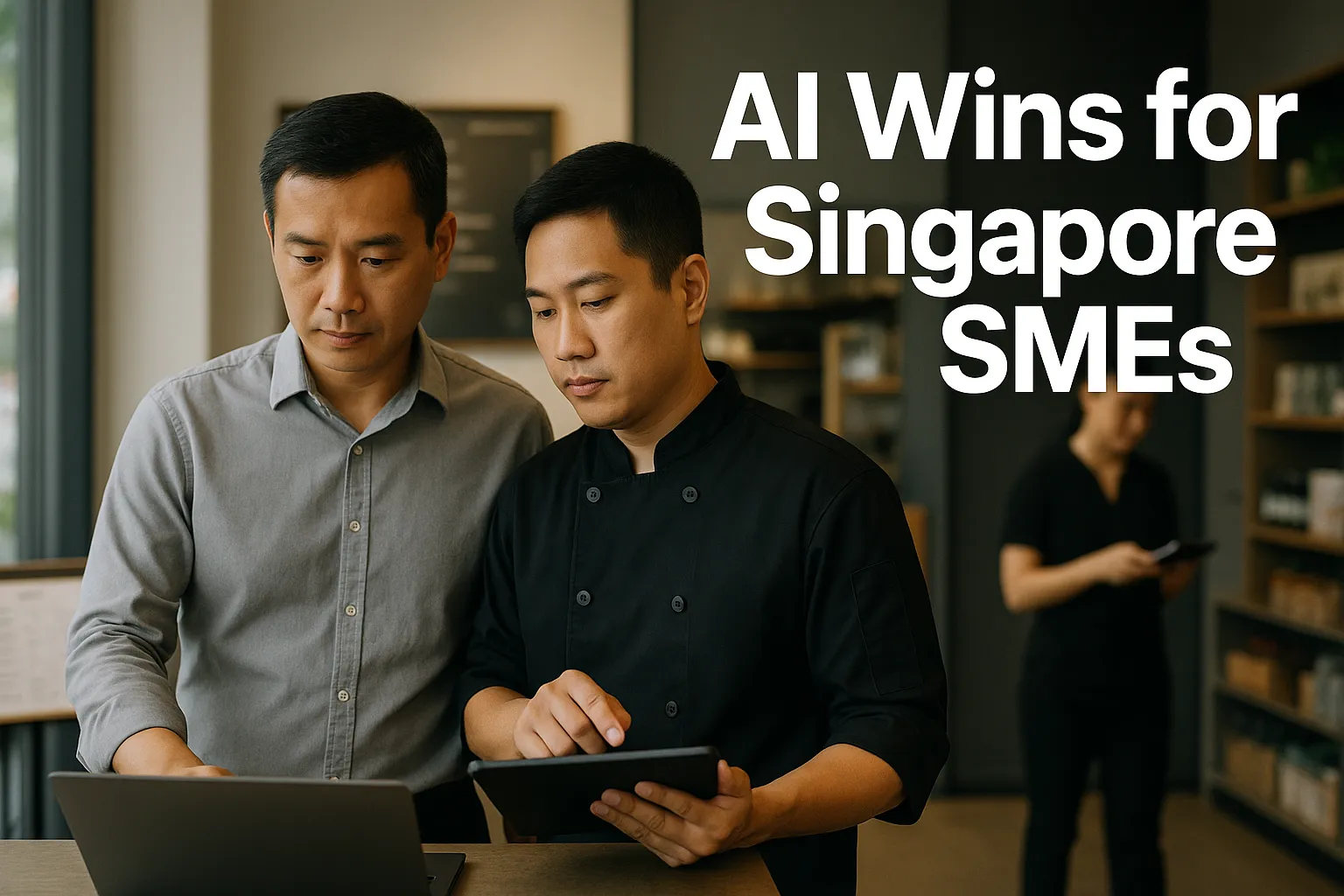
Singapore AI adoption has moved past “experiments” and into quiet, practical deployment—because wages are up, teams are lean, and customers still expect fast replies, accurate orders, and smooth peak-hour service. For F&B and retail owners, the real question isn’t whether AI is impressive; it’s whether it reduces no-shows, shortens response times on WhatsApp and DMs, improves roster efficiency, and frees staff to sell and recover service when things go wrong.
This guide is a Singapore-specific operations playbook for rolling out AI across 5–7 frontline workflows. It focuses on the handoffs that make or break outcomes: what to standardise first, what stays human, how to pick tools without vendor hype, what KPIs to run weekly, and how to convert saved hours into higher-touch service and revenue—especially on weekends and peak periods.
What’s the repeatable method to roll out AI in operations (without turning it into an IT project)?
Treat AI as workflow redesign with measurable P&L targets—not a software purchase.
The 6-step method operators can actually run
1. Map the workflow (one page)
- Start/end points, channels (Walk-in, phone, WhatsApp, Instagram, delivery platforms), peak periods.
- Where customers wait, where staff re-key data, where errors happen.
2. Standardise the steps (SOP before AI)
- Write the “happy path” and the top 10 exceptions.
- Define what counts as “complete” (e.g., reservation confirmed only when name + pax + time + contact + deposit status captured).
3. Choose the tool category (based on handoffs)
- Chat/WhatsApp automation, reservation automation, helpdesk, marketing automation, workforce scheduling, analytics.
- Decide what must integrate now vs later.
4. Pilot in one outlet or one channel
- Pick the highest-volume outlet or the noisiest channel (usually WhatsApp/IG DMs).
- Keep the pilot scope small enough to measure weekly.
5. Measure, tune, document
- Review transcripts/logs, exception reasons, and escalation volume.
- Update SOPs and staff scripts.
6. Expand with controls
- Roll out outlet-by-outlet with a checklist: training done, fallback process tested, KPIs stable for 2–4 weeks.
Ownership: who runs this?
- Business owner / GM: sets targets (hours saved, response SLA, covers), approves what stays human.
- Ops lead / outlet manager: owns SOPs, staff adoption, daily exception handling.
- “System owner” (part-time is fine): maintains templates, menus/FAQs, permissions, tool settings.
- Finance/HR support: validates whether “hours saved” becomes actual roster reduction or redeployment.
The fastest wins come from workflows that already repeat hundreds of times per week and have clear “done/not done” outcomes: reservations, FAQs, order status, basic campaigns, and rostering.
Which frontline workflows in Singapore typically deliver real wins first—and what should you automate vs keep human?
Operators get the best results when they automate high-frequency, low-judgement interactions and keep humans for high-stakes, emotional, or high-value moments.
A practical rule of thumb
Automate when the task is:
- Repetitive (same questions all day)
- Time-bound (needs fast reply)
- Structured (needs specific fields)
- Auditable (you can check if it’s correct)
Keep human-in-the-loop when it involves:
- Complaints and service recovery
- VIP/regular guest handling
- Sensitive substitutions (allergies, dietary requirements)
- Refunds/returns approvals (set thresholds internally)
- High-value cart or bulk/corporate orders
The 6 workflows to prioritise (in order)
- Reservations + no-show management (F&B)
- WhatsApp/DM FAQs + queue/callback (F&B & retail)
- Post-sale support + simple service recovery triage (both)
- Basic marketing campaigns + segmentation (both)
- Inventory cues + low-stock alerts (both)
- Rostering + shift swap workflows (both)
Not every business needs all six. The sequencing depends on where your bottleneck is: front door (reservations), inbox (messages), backroom (inventory), or labour planning (rosters).
How do you implement AI-assisted reservations to reduce no-shows and recover peak-hour revenue?
Reservations are where AI drives “real money” because small improvements convert directly into covers and table utilisation.
The target outcomes (KPIs you can track weekly)
- No-show rate (by day/time slot, by channel)
- Covers per labour hour (front-of-house)
- Seat utilisation during peak (e.g., 7–9pm)
- Average time to confirm (minutes)
- % reservations that are “complete” (all required fields)
Workflow playbook (end-to-end)
Step 1: Standardise reservation rules
- Booking windows, deposit rules (if any), grace period, late arrivals, table holding time.
- Define exception handling: large groups, kids seats, accessibility, allergies.
Step 2: Build a structured intake
- If the channel is WhatsApp/Instagram, push users to a structured flow:
- Date → time → pax → name → contact → special notes
- Minimise free text. Free text increases errors and escalations.
Step 3: Automate confirmations + reminders
- Confirmation message with key details and edit/cancel link.
- Reminder timing that matches your audience (e.g., morning-of + 2–3 hours before).
- Add an easy “confirm / cancel” tap action to reduce ghosting.
Step 4: Add a waitlist + auto-fill
- When a party cancels, auto-offer the slot to the next waitlist.
- Keep staff approval for edge cases (table joining, special layouts).
Step 5: Define the human handoff Escalate to staff when:
- Pax above a threshold you set
- Allergy/dietary notes appear
- Customer requests table preference or special occasion setup
- Customer becomes upset or repeats the same issue
What typically goes wrong (and fixes)
- Problem: staff still re-key bookings into a second system.
- Fix: decide one “source of truth” (reservation book/POS/reservation platform) and integrate or simplify.
- Problem: customers book via multiple channels.
- Fix: publish one preferred link/flow; auto-reply in DMs to route them.
- Problem: reminders annoy regulars.
- Fix: segment reminders by customer type or allow an opt-down (“remind me once only”).
Converting saved time into revenue
Don’t just “save hours.” Reassign them:
- Train hosts to do faster table turns without rushing guests.
- Use the freed minutes to upsell (set menu, sides, desserts) at the right touchpoints.
- Have a manager on the floor during peak for service recovery—this protects repeat rate.
How can you use AI on WhatsApp/DM FAQs without damaging brand voice or giving wrong answers?
In Singapore, WhatsApp is often the operational nervous system—customers ask everything from opening hours to order status to “can I customise this?”. The win is response speed and consistency.
KPIs that matter
- First response time (target: minutes, not hours)
- % enquiries resolved without staff
- Escalation rate (and top reasons)
- Conversion rate from enquiry to booking/order
- Staff time spent in inbox (hours/week)
Implementation steps (practical)
Step 1: Build an “approved answers library”
- 30–80 Q&As usually cover most volume.
- Write answers like staff would say them (brand tone, concise, bilingual if needed).
Step 2: Structure the flows Use buttons/quick replies for:
- Reservations
- Menu/product availability
- Delivery/self-collection info
- Store locations and parking
- Returns/exchanges (retail)
- Loyalty points / memberships
Step 3: Define escalation triggers (non-negotiable) Escalate immediately when:
- Customer expresses dissatisfaction (“complaint”, “angry”, “refund”, “terrible”)
- Allergy, health, or safety keywords appear
- Payment disputes or fraud flags appear
- VIP/regular tag is detected (even a simple label helps)
Step 4: Put a queue and callback promise in place
- If you can’t reply instantly, don’t pretend you can.
- Send a short message: expected response window + what info to provide now.
Step 5: Train staff on “AI + human” etiquette
- Staff should see the bot transcript before taking over.
- Provide 5–10 standard “handoff scripts” so customers feel continuity.
Multilingual reality in Singapore
- Decide what languages you’ll support well (e.g., English + Chinese).
- It’s better to do two languages reliably than five inconsistently.
- If a language falls outside coverage, route to a human with a clear expectation.
Avoiding wrong answers in practice
- Keep the bot grounded in your approved library and current store info.
- Time-box how long information can remain unchanged (e.g., promo T&Cs, menu changes). Assign an owner to review weekly.
- For anything ambiguous, the bot should ask a clarifying question or escalate—not guess.
What does a workable AI playbook look like for basic marketing that actually drives visits or baskets?
Most SMEs don’t need complex “AI growth.” They need a way to run consistent, lightweight campaigns without draining the team.
The marketing workflows AI supports well
- Drafting and adapting copy for different channels (IG caption vs WhatsApp broadcast)
- Creating campaign variants for A/B tests
- Segmenting customers into simple groups (new, active, lapsing)
- Scheduling and performance summaries
KPIs that tie back to P&L
- Redemption rate (voucher/promo)
- Incremental visits/orders during campaign window
- Repeat rate (30/60/90 days)
- Average basket size and attach rate (add-ons)
- Cost per order (including staff time)
Implementation: keep it simple and operational
Step 1: Standardise your offer types Pick 3–5 repeatable campaign templates, e.g.:
- Weekday off-peak fill
- Weekend pre-book push
- New product launch
- Lapsed customer reactivation
- Member-only perk
Step 2: Build a content workflow with approvals
- One person drafts using AI tools.
- One person approves brand tone and factual accuracy (prices, dates, T&Cs).
- Save the final as a template; reuse next cycle.
Step 3: Tighten segmentation before personalisation Personalisation fails when data is messy. Start with:
- “Visited in last 30 days”
- “Visited 31–90 days”
- “No visit > 90 days”
- “High spend” (define threshold internally)
Step 4: Link campaigns to a measurable action
- Reservation link, WhatsApp keyword (“WEEKEND”), or redeem code.
- If you can’t measure it, you can’t improve it.
Common execution failure: too many campaigns, no learning
Run fewer campaigns, review weekly:
- What segment responded?
- What message angle worked?
- Did ops deliver the experience promised? (If not, fix ops before running it again.)

How can inventory cues and simple forecasting reduce stockouts without turning into a data science project?
In F&B and retail, the cost of stockouts is usually larger than the cost of holding a bit more inventory—because stockouts also damage repeat behaviour.
Use cases that are “AI enough” for most SMEs
- Low-stock alerts based on sales velocity
- Reorder suggestions using recent weeks’ patterns (weekday vs weekend)
- Anomaly flags (unexpected spikes, shrinkage signals)
KPIs to track
- Stockout incidents per week (by SKU/category)
- Lost sales proxies (e.g., “out of stock” messages, substitutions)
- Wastage/spoilage (F&B)
- Inventory days on hand (simple estimate)
Implementation steps that avoid overengineering
Step 1: Fix item master and naming
- One SKU name per product; consistent units (pcs, grams, cartons).
- This is boring work—but it’s where automation succeeds or fails.
Step 2: Define reorder rules that staff can understand
- Minimum level + reorder quantity for top movers.
- Separate rules for seasonal or promo items.
Step 3: Integrate only what you must
- If your POS/export can produce a daily sales report, start there.
- Don’t wait for a perfect ERP.
Step 4: Put alerts where people work
- A daily WhatsApp message to the outlet manager can outperform a dashboard nobody opens.
Human control points
- Staff should approve reorder suggestions when there are known events: nearby festivals, school holidays, influencer visits, corporate orders.
- Keep a simple “override reason” list so you learn over time.
The goal isn’t precision forecasting. It’s fewer stockouts and fewer last-minute supplier runs that burn manager time.
How do you use AI in rostering and shift workflows without upsetting staff or breaking MOM/CPF processes?
Rostering is where manpower pressure shows up first: last-minute MCs, weekend spikes, and managers spending nights patching schedules. The win is fewer manual edits and better coverage at peak.
KPIs that matter
- Manager hours spent on rostering per week
- Unfilled shifts / last-minute changes
- Overtime hours (and avoidable overtime)
- Sales or covers per labour hour
- Service SLA performance during peak (queue time, response time)
A practical rostering rollout sequence
Step 1: Standardise roles and shift definitions
- Role naming (cashier, barista, runner, packer).
- Skill tags (can open/close, can handle refunds, can do latte art).
Step 2: Collect constraints transparently
- Availability, school schedules, fixed commitments.
- Avoid “black box” scheduling that feels unfair.
Step 3: Start with recommendations, not auto-publish
- Let the system propose schedules.
- Managers approve and adjust.
- Track what gets changed—those are your missing rules.
Step 4: Automate shift swap requests with guardrails
- Ensure swaps preserve minimum skill coverage.
- Require approval for critical shifts.
Payroll/HR operational alignment (high level)
- Rosters must ultimately support accurate timekeeping and payroll calculations.
- If you change rostering tools, ensure your workflow still produces clean inputs for CPF-related payroll processing and records. (No deep compliance dive—just don’t let “AI rostering” create payroll rework.)
Staff adoption: what to say and do
- Position it as reducing chaos and improving fairness, not “cutting hours.”
- Publish rules (how weekend shifts rotate, how preferences are handled).
- Measure outcomes openly: fewer last-minute calls, more stable schedules.
In Singapore’s tight labour market, a rostering project fails when it ignores trust. Start with transparency, then automation.
How do you design post-sale support and service recovery so AI reduces workload but customers still feel cared for?
Post-sale is where many Singapore SMEs leak reputation: slow replies, inconsistent refund rules, and “passed around” customers. AI helps by triaging and pre-filling—but service recovery must remain human-led.
KPIs that signal real improvement
- Time to first response and time to resolution
- Repeat contact rate (same issue reopened)
- Refund/return cycle time
- CSAT/NPS trend (even a simple 1–5 score)
- Upsell/repurchase rate after resolution (a good recovery can increase loyalty)
Implementation playbook
Step 1: Categorise tickets into 6–10 types Examples:
- Order status / delivery delay
- Wrong item / missing item
- Product defect / quality issue
- Return/exchange request
- Payment issue
- Feedback/complaint
Step 2: Build triage rules + templates
- AI can ask for required fields: order number, outlet, photos, preferred resolution.
- Provide customers a clear next step and time expectation.
Step 3: Protect the “human moment” Escalate to a trained person when:
- Customer is upset or threatens public complaint
- The issue involves safety, allergens, or suspected contamination
- High-value orders or loyal customers
Step 4: Close the loop with ops
- Weekly review: top 3 reasons for complaints, which outlet/time, what process fix is needed.
- The aim is fewer tickets next month—not just faster replies this month.
Service recovery without giving away margin
Set internal guidelines:
- What frontliners can approve immediately (e.g., replacement, small voucher)
- What needs manager approval
- When to investigate before offering compensation
AI reduces the admin; your standards and training protect the brand.
How should Singapore SMEs choose tools without getting trapped in shiny features or messy integrations?
Tool choice should follow workflow design. Operators get stuck when they buy tools that don’t match their real handoffs (between staff, outlets, and channels).
A selection scorecard (use this in demos)
- Channel fit: Does it work where your customers already are (WhatsApp, IG, web, in-store)?
- Structured data capture: Can it collect the fields you need (not just chat)?
- Handoffs: Can staff take over seamlessly with full context?
- Outlet scalability: Can you clone setups outlet-by-outlet and keep consistency?
- Reporting: Can you export logs and measure KPIs weekly?
- Integration reality: Does it connect to your POS/reservation system/helpdesk—or at least export clean files?
- Admin simplicity: Who updates menus, FAQs, promo details? How long does it take?
- Commercial clarity: Transparent pricing per outlet/agent/channel; predictable costs as volume grows.
Avoid these common traps
- Trap: “We need one platform that does everything.”
- Better: one system of record + a few lightweight workflow tools.
- Trap: automating before standardising.
- If staff answer the same question five different ways, the bot will too.
- Trap: no owner after go-live.
- Tools decay quickly when promos, menus, and policies change weekly.
PDPA awareness (operational, not legalistic)
- Collect only what you need (name/contact for bookings; order number for support).
- Limit access to customer data internally.
- Have a process to delete or anonymise data when it’s no longer needed.
- If you use vendors, understand where data is stored and who can access it. Keep it documented.
The goal is not “maximum automation.” It’s predictable operations with controlled customer data handling.
What should a 30-60-90 day rollout look like—so you see results and don’t stall after the pilot?
A structured rollout prevents the common pattern: exciting pilot, messy handoffs, then quiet abandonment.
Days 0–30: Choose one workflow and make it measurable
- Pick one: WhatsApp FAQs or reservations are usually fastest.
- Write the SOP and exception list.
- Create the approved answer library / intake fields.
- Set KPIs baseline (current response time, no-show rate, staff hours in inbox).
- Train 1–2 champions per outlet.
Deliverable by day 30: stable pilot in one outlet/channel with weekly KPI review.
Days 31–60: Add one adjacent workflow and tighten handoffs
- If you started with FAQs, add queue/callback or post-sale triage.
- If you started with reservations, add reminders + waitlist.
- Introduce escalation rules and manager oversight.
- Build a simple dashboard or weekly report.
Deliverable by day 60: two workflows running with documented handoffs and exception handling.
Days 61–90: Scale outlet-to-outlet and lock governance
- Roll out to next outlets using a checklist (templates cloned, staff trained, KPIs stable).
- Assign owners for:
- content/FAQs
- promotions
- outlet hours and policies
- escalation coverage roster
- Start converting time saved into a deliberate service plan (floor presence, upselling scripts, recovery playbook).
Deliverable by day 90: multi-outlet consistency, stable KPIs, and a clear redeployment plan.
Turning “hours saved” into real outcomes
Hours saved only matter if you do one of these:
- Reduce paid hours (where service standards allow), or
- Reallocate hours to peak coverage and selling, or
- Increase capacity (more bookings handled, more leads converted)
That’s a management decision, not a technology result.
Conclusion
AI in Singapore F&B and retail is paying off when it’s treated as an operations playbook: map one frontline workflow, standardise it, deploy a tool that fits the handoffs, pilot in one outlet/channel, measure weekly, then scale with clear owners and escalation rules. Start where the volume is and the pain is obvious—reservations/no-shows, WhatsApp/DM FAQs, queue/callback, and post-sale triage—then move into inventory cues and rostering once your basics are stable.
If you want support turning these workflows into measurable SOPs (and aligning the rollout with payroll, finance rhythms, and PDPA-aware handling of customer data), Paul Hype Page & Co. can act as an implementation partner alongside your ops team—so “time saved” becomes faster service, better peak coverage, and more repeat business, not just another abandoned pilot.
FAQs
Keep it operational and PDPA-aware: collect only what you need for the workflow, limit internal access, document where data is stored and who can access it (including vendors), and have a process to delete or anonymise data when it’s no longer needed.
Use workflow KPIs tied to outcomes: first response time, resolution without staff, escalation reasons, no-show rate, time to confirm reservations, covers/sales per labour hour, stockout incidents, manager hours spent on rostering, and time to resolution for support.
Start with high-frequency, structured work where speed matters: reservations/no-show management (F&B), WhatsApp/DM FAQs and routing, then post-sale triage, basic campaign execution, simple inventory alerts, and finally rostering once roles and rules are standardised.
Treat it as workflow redesign: map the workflow on one page, standardise SOPs and exceptions, pick the tool category based on handoffs, pilot in one outlet/channel, tune from logs and transcripts, then scale with a checklist and clear owners.
Ground it in an approved answers library, use structured buttons/fields instead of open chat where possible, assign an owner to review changes (menus, promos, policies) weekly, and require escalation for ambiguity, complaints, or safety-related topics.
Share This Story, Choose Your Platform!
Related Business Articles